


You can enable cronjob notifications or update a cronjob's email address in cPanel.
1. Log in to your cPanel account.
2. In the Advanced section, click on Cron Jobs.
3. Under Cron Email, you should enter your full email address in the text field.
4. Click on Update Email.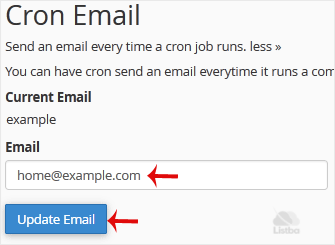
That is it. We hope this guide is helpful. If you have any questions or need further assistance, feel free to explore our other tutorials or contact us.
